
Header is a top block on a site that is typically used for building navigation. More information about this block you can find in the Header settings article.
All header components in the mobile version of the site are moved to the so-called burger menu. Since large navigation menus can take up too much space on a mobile phone or be too small to read or click on the desired link, all content (buttons, navigation menus, social media icons) is hidden in the burger menu until the user expands it.
For example, here’s how the header looks on the desktop:

And here’s how it will look on the mobile devices:
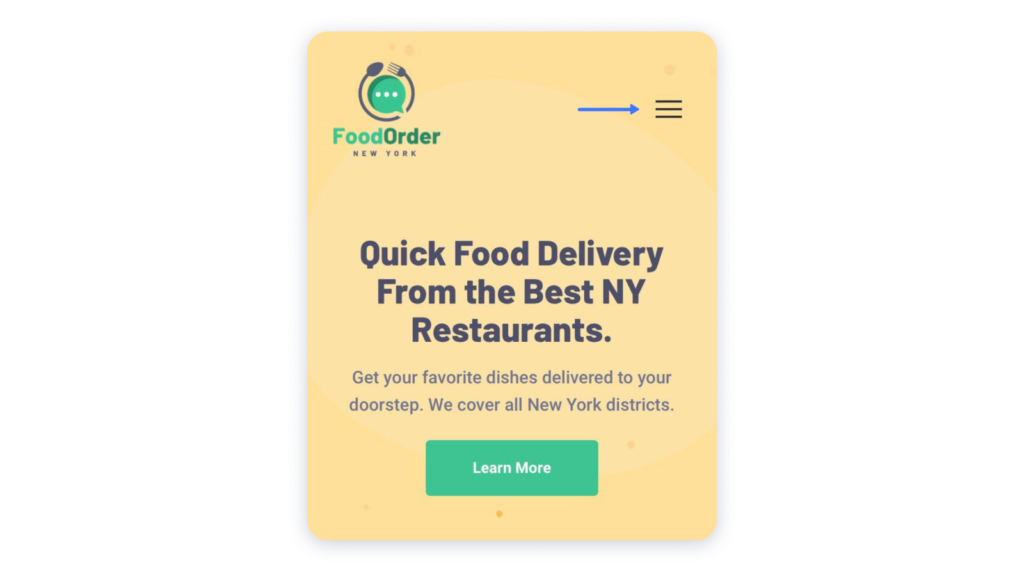
By pressing the menu button, the visitors will see all hidden components:
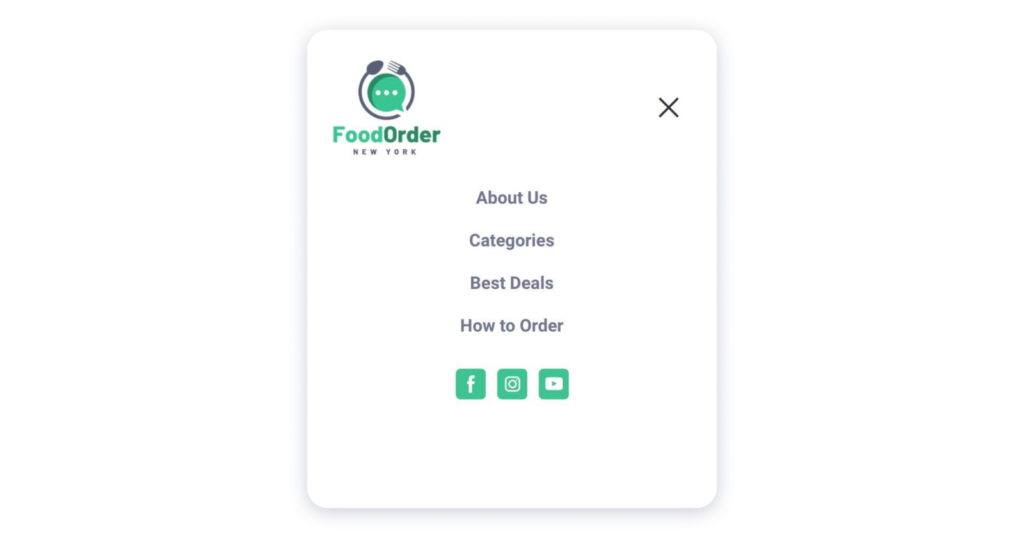
Note: The background of the burger menu is the color of a headers’ background. Even if the header is transparent, the burger menu will take the previously specified color.