
In order to increase site loading speed, we’ve disabled the publishing of the some rarely used characters in text by default — for example, in the alphabets such as Greek or Polish.
If you need to enable the extended language font, follow the instructions below.
Advanced text settings
1. Click on the Site style icon on the toolbar in the editor:

2. Navigate to the Text tab in the pop-up window:
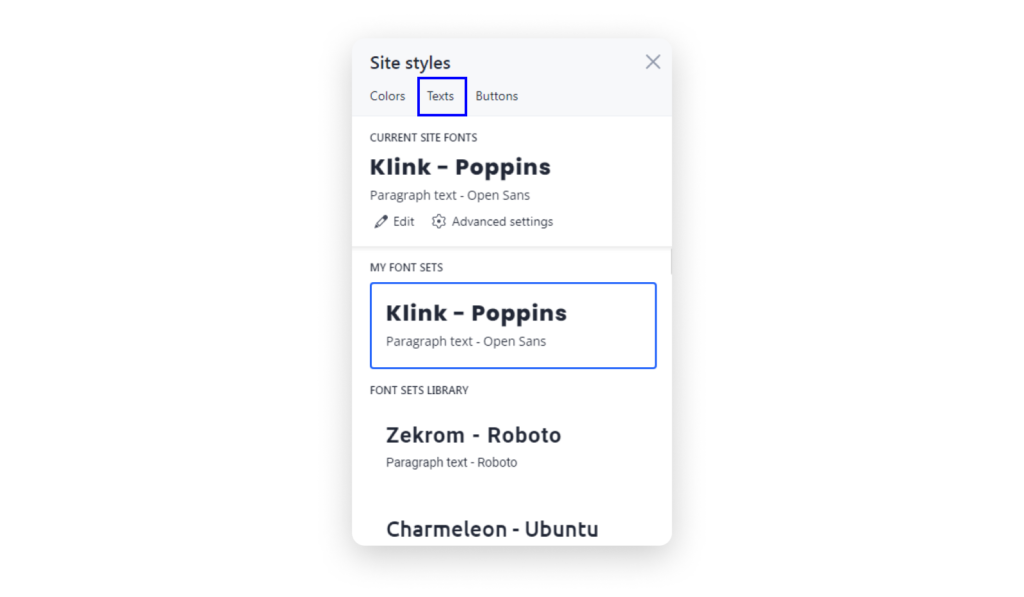
3. Click Advanced settings below the current site fonts:

4. Choose the needed character sets and click Done:
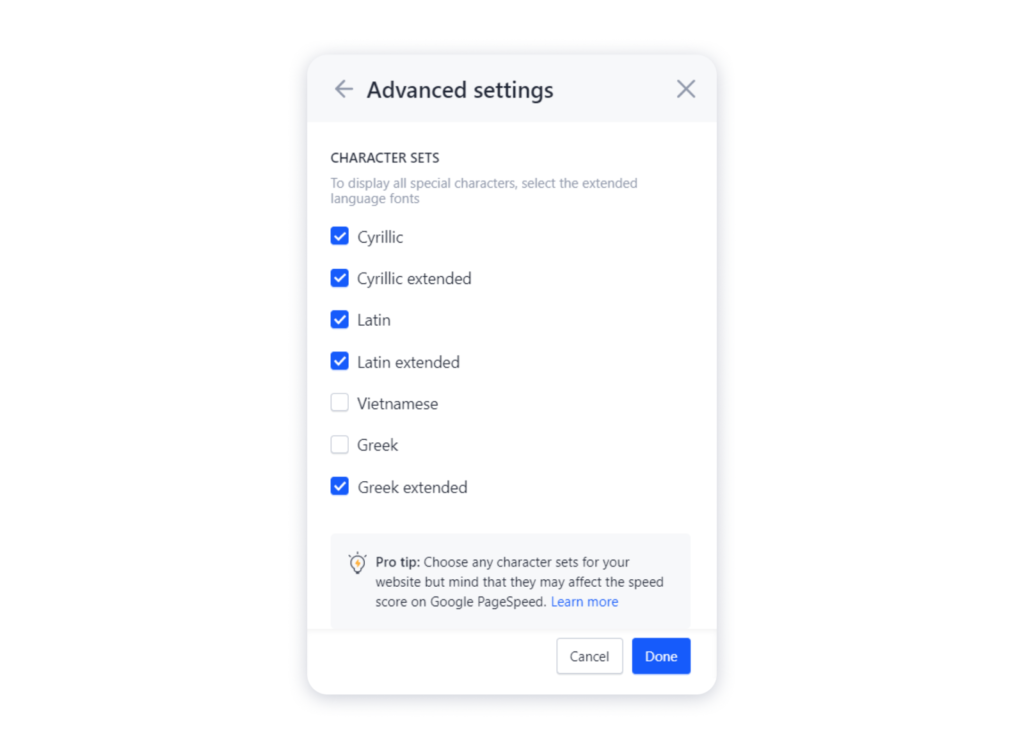
Bear in mind that these settings may affect the site loading speed.