
1. To add a pop-up window on your site, open the Pop-ups tab on the toolbar:

2. Click on + Add Pop-up at the bottom of the menu:

3. In the opened window you will see all the available options for the pop-up block in the gallery. Choose the suitable one and click on it to add pop-up on a site:
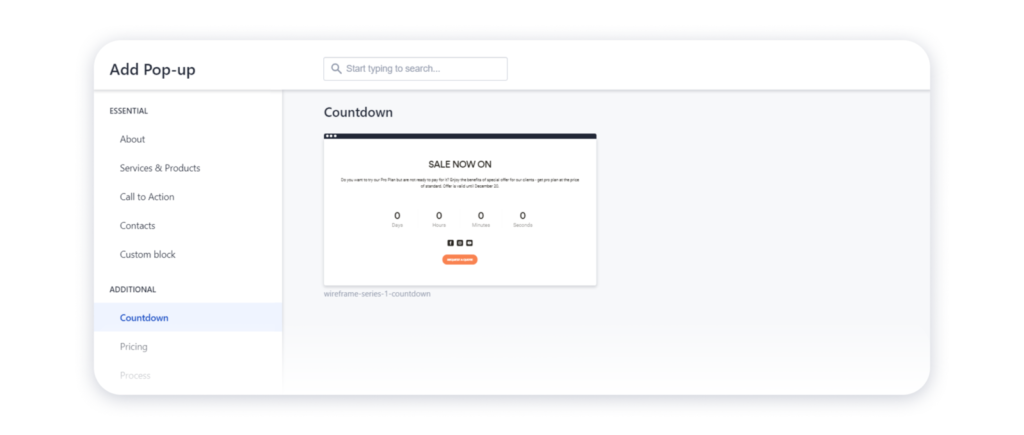
Tip: You can also choose a custom block from the gallery to create your pop-up from scratch.