
Site header can inherit the background of the block that follows. The way, the header and the next block will share the same background color/image and the header will look “transparent”.
Making the header transparent
1. Open the Header settings by clicking on the “gear” icon in the top right corner of the block:

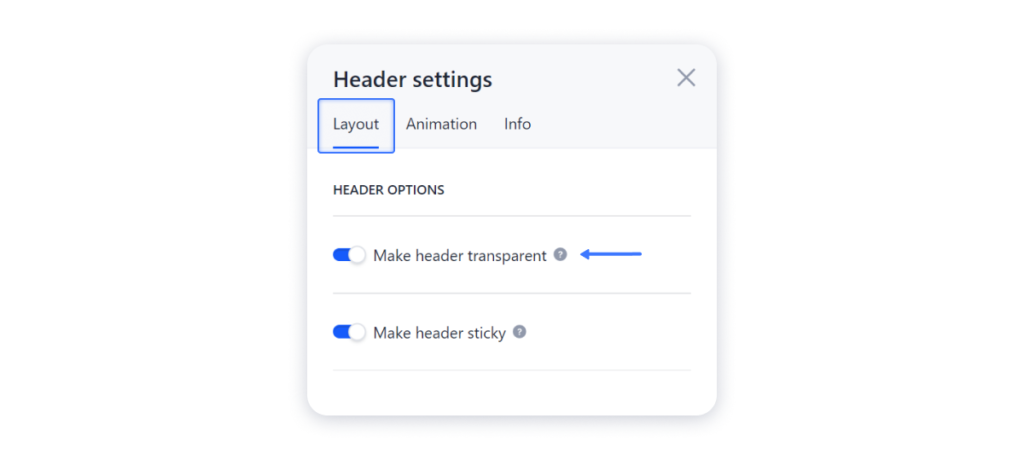
2. Access the Layout tab and toggle on the option Make the header transparent:
3. Publish your site for the changes to appear live.