
1. For that, navigate to the Rows tab in the Table settings:
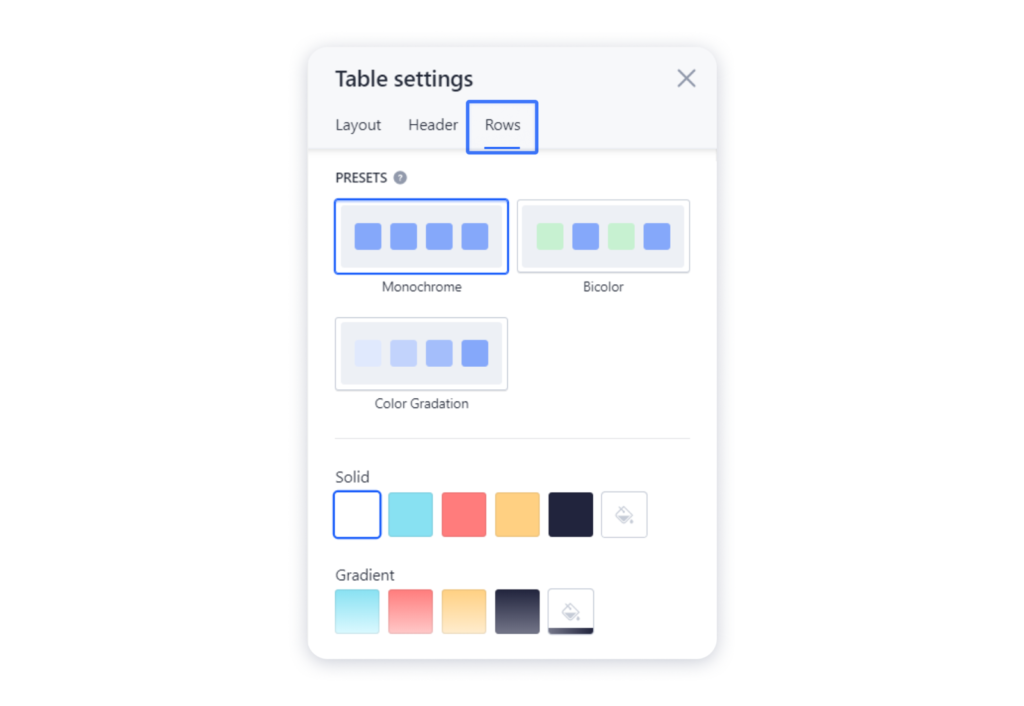
2. There you can choose the presets — basic coloring algorithms for your rows, and change the default colors. This is what your table will look like with the Color Gradation preset, which automatically generates colors for each item:

Important: There is no way to set an individual color for each row in the table yet.
Don’t forget to publish your site once you have done customizing your table.
Tip: Check the Changing the design of a block article to set up the background or the animation for the whole block.