
All the changes you make in the editor are saved automatically. However, for them to be displayed on the live site, the site has to be published.
Publishing a site
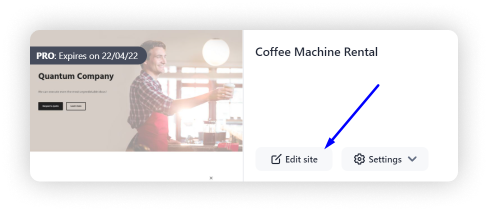
1. Open the editor by clicking Edit site:
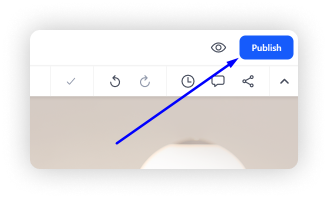
2. Click Publish in the top right corner:
Done! The new pop up window will allow you to open the site using a link or a QR code, download the QR code to send it to other people, make a backup copy of the site and copy the link to participate in the referral program.
