
You can change the order of the blocks by moving them across a page.
Moving blocks on a page
1. Hover over any block and click on the icon in the top right corner:
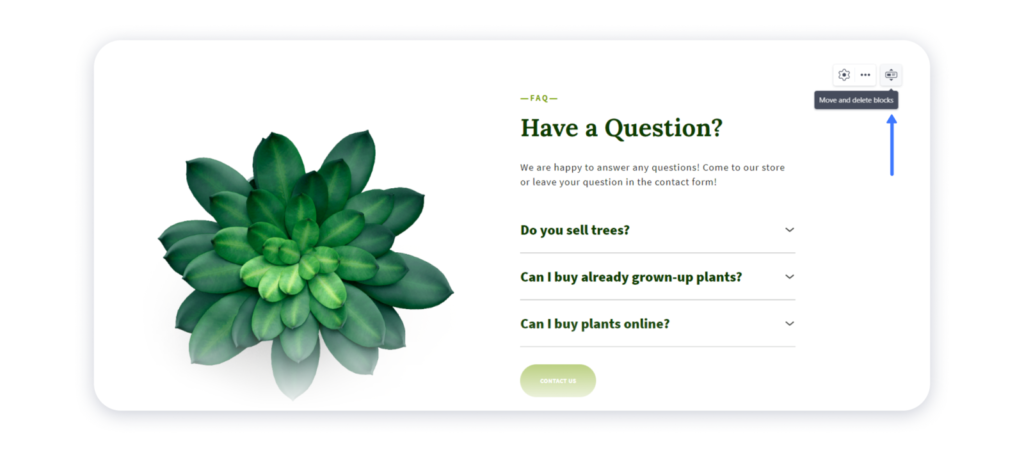
2. In the new window pick a block and move it to the relevant place on the page by clicking on the arrows icon:

3. Click on cross icon at the top right corner to get back to the editor:

4. Publish your site for the changes to appear live.