
To set up the meta tags, open the site’s editor and navigate to the pages menu in the toolbar:

2. Open the settings of the page by clicking on the “gear” and proceed to the SEO tab:

3. Add page title, description and keywords — words and short phrases by which users search for products and services. Click Done once you’ve finished:
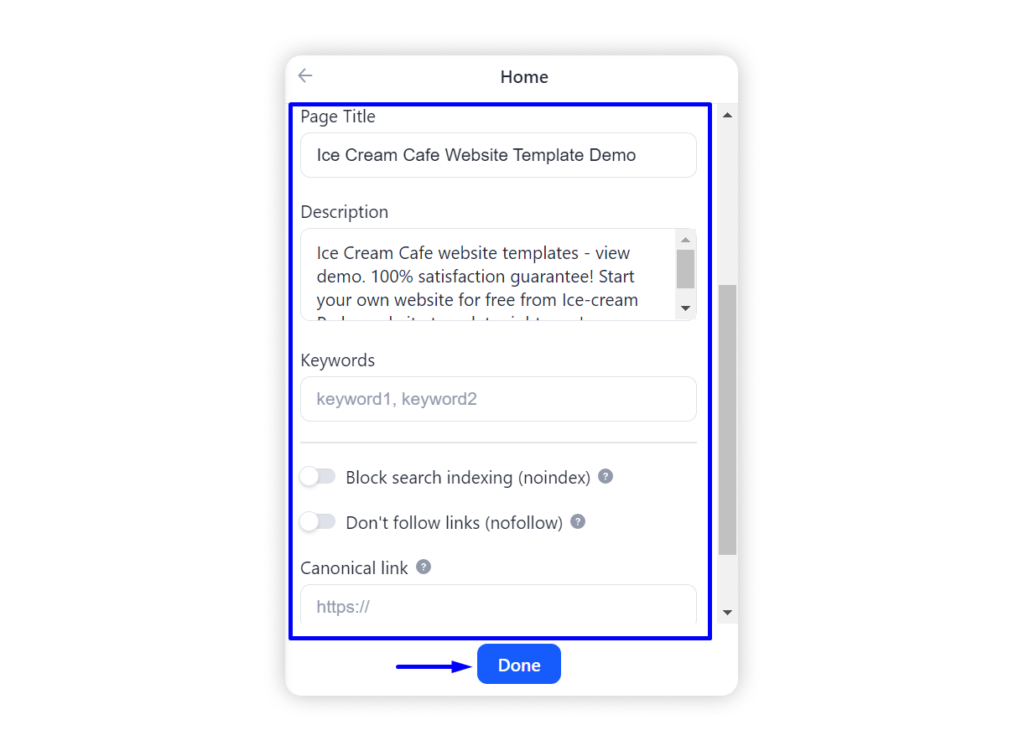
Tip: The optimal length of the title is considered to be 70-80 characters. The standard site description length for Google is 150-160 characters.
Don’t forget to publish your site for the changes to take an effect.