
1. To begin with, click on the Create post button in the Blog tab:

Note: The future post will be automatically saved to the Drafts tab unless you decide to publish it.
2. Switch to the Content tab in the pop-up window and enter the post title and the suitable date:

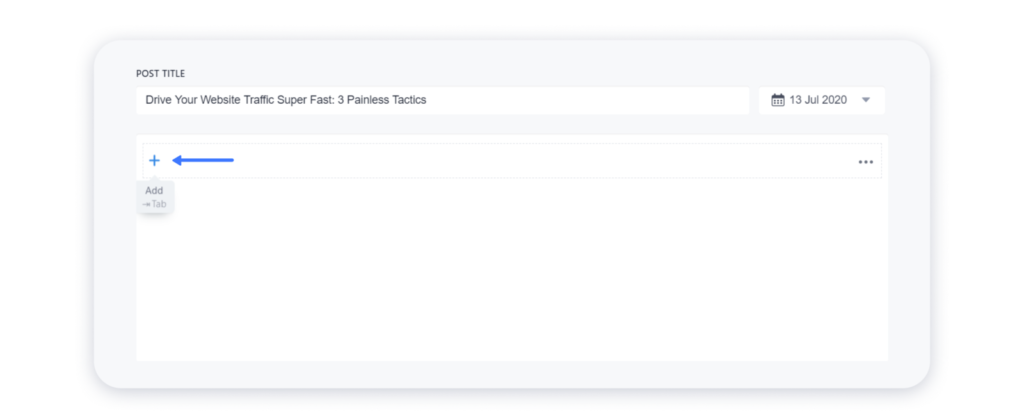
3. Then, click on the blank field below to type the text for your future article. Click on the “plus” icon or press Tab on your keyboard to open the blocks menu:
4. Choose the needed type of block in the opened menu — you can add Paragraph, Header, Image, List, or Video:

5. You can also manage every block by clicking on the three dots at the right top corner of it:

Thus, you can move the chosen block up or down, or delete it completely from the post.